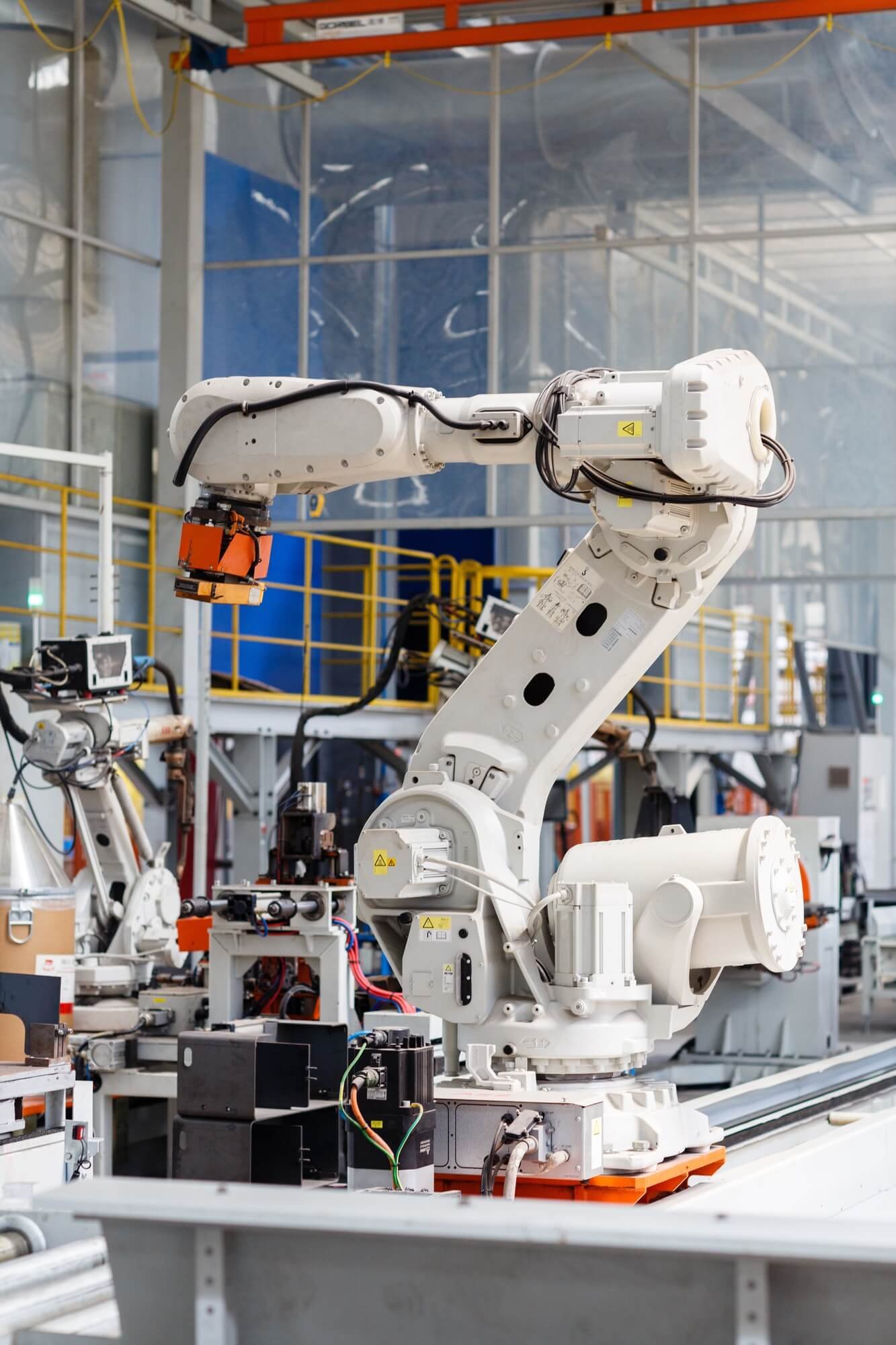
Aplicación del brazo en voladizo de nueve ejes en la fabricación de maquinaria
... See MoreSee Less
4 hours ago
An 8-axis rotary arm makes welding simpler from end to end.
When people talk about welding automation, the question is usually just "can it weld?". The questions that actually decide whether a production line works are further down the list: how easy is the proposal to explain, how long does it take to fix when something breaks, can an ordinary welder learn it, will the bead still be consistent after three months of continuous running, and do you have to buy another machine when the workpiece changes.
So we went back and redesigned the 8-axis rotary-arm welding robot. What came out of R&D is not a number in a spec sheet — it is an upgrade across the whole chain, from the sales conversation to the shop floor:
1. Easier to sell
The process library, the motion logic and the training package are now one standardised solution. The customer understands it, the proposal is grounded, and pricing is based on something real instead of a guess.
2. Faster on-site service
Modular construction plus remote diagnostics. Fault-finding moves from "open the machine up on site" to "read the data first". Service points are consolidated and downtime is shorter.
3. Simpler for the operator
One-tap recall of process parameters and a much shorter teaching workflow. A regular welder can be productive after brief training, without a senior engineer permanently on site.
4. A more stable product
Synchronised 8-axis motion with full closed-loop control. Better bead consistency in long continuous runs, longer service life on key components, fewer reworks.
5. More places it can actually be deployed
From standard horizontal welding to complex curved surfaces, from a single cell to a flexible line. One machine covers more working conditions, and the payback period gets shorter for the customer.
The value of R&D has to land on the customer's shop floor. Easier to sell, faster to service, simpler to use, more reliable, more places it can go — that is what the 8-axis rotary-arm intelligent welding robot was built to do.
If welding automation is on your roadmap, send us a message with your workpiece and throughput, and we will come back with a proposal.
#weldingrobot #roboticwelding #weldingautomation #industrialrobotics #smartmanufacturing #8axis
... See MoreSee Less
1 day ago
¿Arco inestable, demasiadas proyecciones o soldaduras irregulares? Antes de cambiar componentes costosos, revisa una pieza pequeña que suele pasar desapercibida: la punta de contacto.
En este video explicamos cómo transmite la corriente y guía el hilo, cómo elegirla según el material y qué señales indican que necesita sustituirse.
Una pieza económica merece atención: su estado puede afectar la calidad de la soldadura y la continuidad de la producción.
▶️ Mira el video y descubre qué revisar en tu próxima inspección.
#soldadura #soldadurarobotizada #puntadecontacto #mantenimientoindustrial #Automatización #jtclaser
... See MoreSee Less
2 days ago
Una soldadura puede tener buen aspecto… y aun así deformar todo el conjunto.
La deformación por soldadura afecta al montaje, la precisión dimensional y los costes de producción. Su control comienza antes de encender el arco.
En este vídeo explicamos:
✅ Por qué la soldadura provoca contracción y deformación
✅ Cómo ayudan el diseño, las fijaciones y la secuencia de soldadura
✅ Qué aportan la simulación y el control térmico
✅ Cuándo pueden ser adecuados el enderezado o el martillado controlado
No existe una solución única para todas las piezas. El mejor enfoque combina un buen diseño, una preparación cuidadosa y un procedimiento de soldadura adecuado.
Mira el vídeo y descubre cómo reducir la deformación y los retrabajos.
¿Qué problema te resulta más difícil de controlar: la deformación angular, la curvatura o el pandeo?
#soldadura #ingenieriadesoldadura #deformacionporsoldadura #FabricacionMetalica #Manufactura #jtclaser
... See MoreSee Less
3 days ago